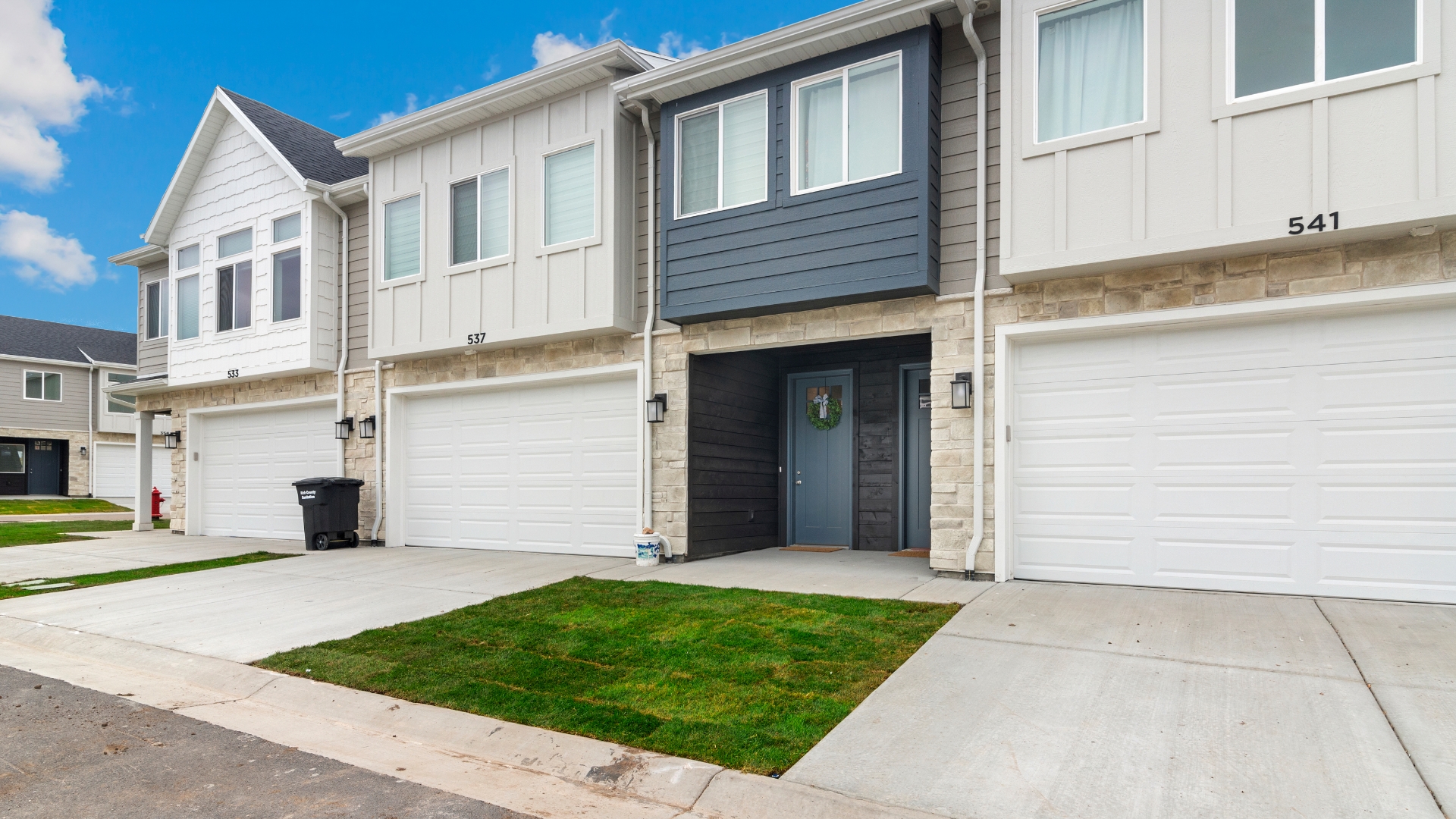
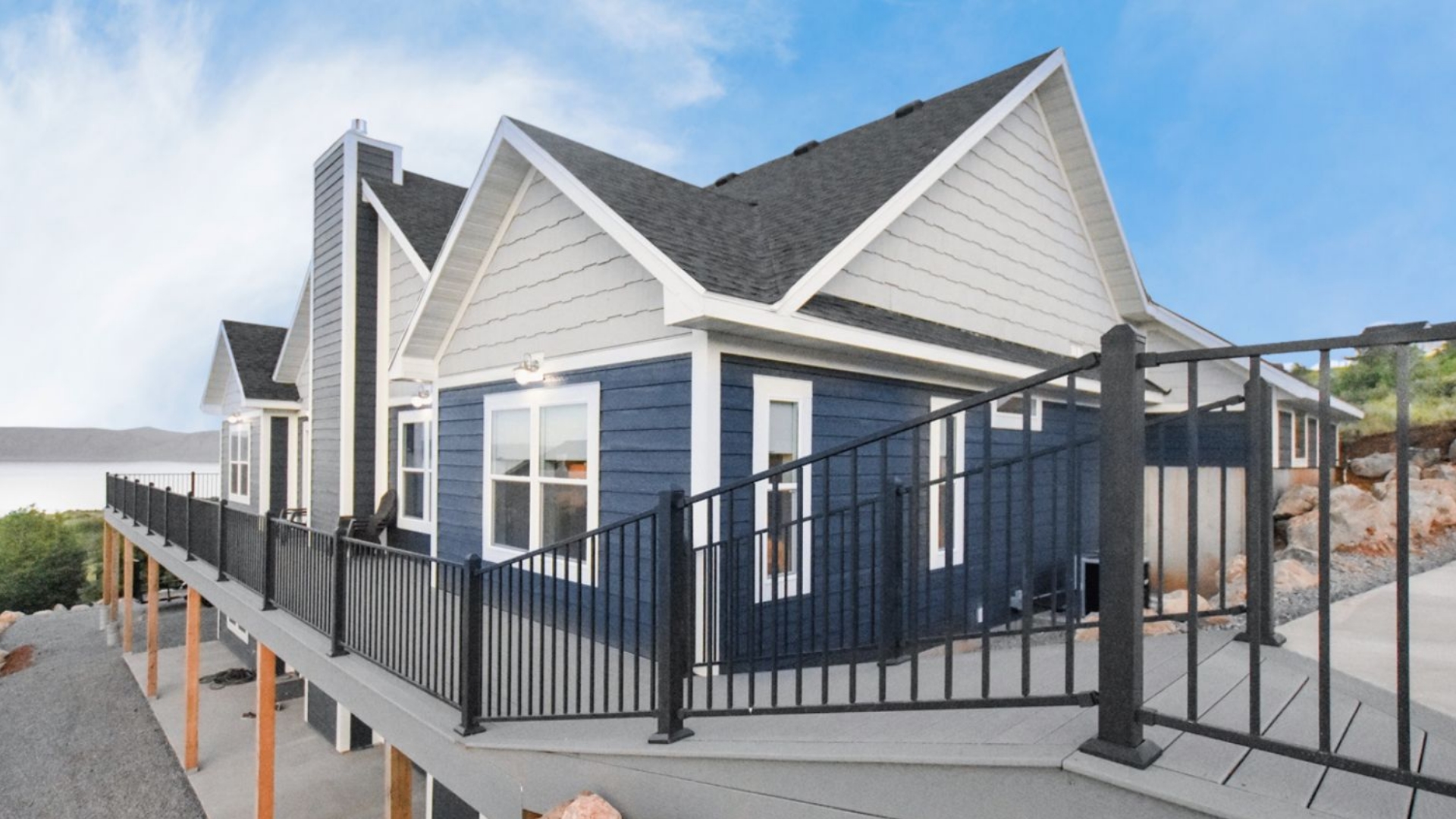
Working from a vacation home can turn a short stay into a more flexible family trip, but productivity depends on details that are easy to overlook. A beautiful setting does not automatically mean dependable connectivity, a comfortable place to sit, or privacy for a client call.
Learn how fractional co-ownership works.
A practical fractional vacation home remote work setup starts with verifying the specific property's internet coverage and reliability, then planning a suitable workspace, private call conditions, and a backup connection or work location. Treat these as property-level questions to confirm with management, not as universal features of shared ownership.
Fraxioned's professionally managed, deeded-equity model can make a second-home routine more convenient, while each property may have its own documentation, usage expectations, and physical layout. Before relying on a home for deadlines, assess the essentials in order: connectivity, ergonomics, privacy, contingency planning, and considerate coordination with the other people who share the space.
What Does a Fractional Vacation Home Remote Work Setup Need? Answer: A practical fractional vacation home remote work setup combines verified connectivity, a comfortable place to work, privacy for meetings, a backup plan, and clear expectations among the people sharing the home. It is a readiness checklist, not a promise that every property includes the same amenities.
Start with the work you actually need to do. Occasional email and document review may require less preparation than video meetings, large file transfers, or a full day of concurrent calls. Ask management or review the property documents for current internet details, coverage throughout the home, available outlets, and any limits on shared spaces. The FCC's broadband guide offers planning references for telecommuting and video conferencing, but those figures are not a Fraxioned-wide guarantee.
Next, identify a workable location. A dining table, bedroom desk, or quiet corner may be sufficient if it has steady power, reasonable lighting, and a chair that supports a focused work session. Consider camera angle and background before your first meeting. Do not assume that a dedicated office, ergonomic furniture, soundproofing, or backup power is available unless the specific listing or management team confirms it.
Privacy deserves equal attention. Confirm whether a room can be closed during sensitive calls, whether other owners or guests may use nearby areas, and how shared calendars or quiet expectations are handled. Headphones can reduce disruption, but they do not replace a private space for confidential conversations.
Build in resilience before you arrive. Test your phone's service in the area, understand whether a hotspot is a realistic backup, and keep essential files available offline. If an alternate workspace or public Wi-Fi is part of the plan, treat security as a separate question. CISA advises caution when using public Wi-Fi, especially for sensitive work.
Finally, fit the setup to shared ownership. Fraxioned's how fractional co-ownership works explains the ownership model, while its guide to shared vacation-home ownership provides context for coordinating use. The goal is not to turn a family retreat into an office. It is to make limited work time predictable while protecting the home experience for everyone.
How Can You Verify Connectivity Before Your Work Stay? Answer: Treat internet access as a property-specific detail to verify, not an assumed amenity. Before a work stay, confirm the service provider and plan with management. Test the connection where you expect to work. Account for video calls, uploads, streaming, and other people using the network at the same time.
A speed-test result is useful, but it is only a snapshot. Ask whether the test was taken inside the home, at the intended workspace, and during a busy period. If possible, run more than one test from the room where you will work. Pay attention to upload performance, latency, and whether the connection remains stable during a sustained video call. A strong download result does not by itself prove that large files will upload smoothly or that a call will remain uninterrupted.
The FCC's broadband guide offers a helpful starting point for planning. It lists telecommuting at 5 to 25 Mbps minimum download speed, HD video teleconferencing at 6 Mbps, and 4K streaming at 25 Mbps. It also lists 1 Mbps for general browsing and email, 1 Mbps for a standard personal video call, and 1.5 Mbps for an HD personal video call. These are rough planning guidelines, not guarantees, property standards, or recommendations from Fraxioned. The FCC notes that the estimates assume one activity at a time and that additional speed may enhance performance. Review the FCC broadband speed guide for the full context.
Connectivity checks for a work stay Check What to verify Coverage Test Wi-Fi in the actual workspace, including distance from the router and any walls between them. Workload Consider video meetings, cloud tools, file uploads, streaming, and several connected devices together. Reliability Ask about recent outages, service interruptions, backup options, and who handles troubleshooting. Property details Confirm the provider, plan, router location, workspace expectations, and any relevant house rules with management.
Shared use makes the household question especially important. The FCC provides a household broadband guide for comparing light, moderate, and high use across multiple devices, while emphasizing that its figures are not based on FCC surveys or experiments. Ask management how many people the home commonly accommodates and whether the network has known limits during full occupancy. If dependable work access is essential, ask what backup is permitted, such as a personal hotspot or another approved connection. You can also compare current Fraxioned listings , then request connectivity details for a specific home before planning your stay.
How Should You Create a Productive Workspace Without Assuming a Dedicated Office? Answer: Build a flexible setup around ergonomics, light, power, privacy, and portability. Before relying on a vacation home for work, verify the specific property's workspace, Wi-Fi, outlets, and shared-use expectations with management or the property documents.
A productive room does not need to look like a corporate office. Start with a chair that supports an upright posture and a surface high enough for your forearms to rest comfortably while typing. If the home has a dining table or kitchen island rather than a desk, a compact laptop stand and separate keyboard can make the arrangement more comfortable. OSHA notes that computer workstations at home or work can create injury risks, and its guidance includes a workstation evaluation checklist for choosing and arranging equipment. Review OSHA's workstation guidance before settling into a long workday.
Plan the physical details Place the screen where window glare will not wash out the display or strain your eyes. A small lamp can help when natural light changes, while a power strip or compact extension cord keeps chargers from stretching across a walkway. Confirm outlet locations before choosing a seat, and keep cords organized in a shared room.
Your camera background deserves planning, too. Choose a clean, non-sensitive backdrop that does not reveal family schedules, personal documents, or other owners' belongings. If the room is shared, a collapsible background or a camera angle toward a plain wall may be more practical than expecting a dedicated office.
Pack for adaptability A portable kit might include a laptop stand, keyboard, mouse, headset, charging cables, privacy screen, and a small light. Keep the kit easy to store so the room can return to family use when the workday ends. For important meetings, identify a backup location and check cellular coverage or another approved connection option rather than assuming the property can support every work need.
For a fractional vacation home remote work setup, ask about Wi-Fi coverage, expected privacy, workspace availability, outlet access, and any use restrictions before booking or purchasing. Those details can help you protect work commitments without letting equipment take over time with your favorite people.
Explore current Fraxioned listings
What Protects Privacy When Owners Share a Vacation Home? Privacy depends on a property's layout, owner agreements, and documented rules, so confirm the details before treating a shared vacation home as a reliable work setting. A few practical checks can prevent an ordinary family stay from creating an awkward backdrop for a confidential call or focused work session.
Check the room, doors, and sightlines Before your stay, identify a room or corner where you can take calls without placing the kitchen, pool area, or another shared space behind you. Check whether the door closes, whether people can easily walk past the camera, and whether nearby windows or open stairways create direct sightlines. A space that feels private at one time of day may become busy when other owners or guests are using the home.
Do not assume a bedroom is an office or that a closed door blocks sound. Ask management or consult the property documentation about the available rooms, shared-space expectations, quiet-hour rules, and any restrictions that apply to working in common areas. Property-specific information is more useful than a general promise that every home offers the same level of privacy.
Protect conversations and sensitive materials Headphones can help keep a meeting discreet, but they do not replace a private location. For confidential calls, consider whether other people could hear your side of the conversation or see your screen. Keep contracts, client notes, devices, and other sensitive materials out of shared areas. Lock your computer when stepping away, and avoid leaving documents on a dining table or countertop between meetings.
Camera backgrounds deserve the same review. Remove family photos, travel documents, mail, whiteboards, and other information that you would not want visible to colleagues. A neutral wall or a carefully positioned camera may be safer than relying on a virtual background to conceal everything.
Coordinate without oversharing Use the shared calendar or scheduling process for the property to communicate when you need a quiet room or a predictable call window. Keep the note practical rather than including confidential client information. If the home uses the Myfrax owner portal to manage owner details , review the available property and scheduling information there, then confirm any privacy questions with management.
This approach protects both work and the shared experience: make your needs visible, verify what the property actually supports, and leave flexibility for the owners and families using the home with you.
How Do You Build a Backup Plan for Calls and Deadlines? Answer: A dependable work-stay backup plan combines tested cellular coverage, a realistic hotspot option, and an alternate location. Keep essential files offline and carry enough battery power to handle a disruption without relying on unsecured public Wi-Fi.
Start by testing your mobile carrier at the property, not just checking coverage on a map. If possible, ask management or a current owner where the signal is strongest and test a call from the room you expect to use. A phone hotspot may help, but it is not automatically a full replacement for home internet. Performance can vary with signal strength, data limits, device settings, and the number of people or devices using it. Confirm your plan's hotspot allowance before a trip that includes important meetings.
Next, identify one alternate work location before you need it. That might be a private room elsewhere on the property, a nearby library, a coworking space, or a hotel business area. Check its hours, noise level, power access, privacy, and travel time. If a deadline cannot move, save presentations, agendas, contact details, and other essential documents for offline access. Download files before arrival and make sure you can open and edit them without an internet connection.
Charging is another simple failure point. Pack the correct laptop charger, a phone charging cable, and a power bank that is charged before departure. If you will be away from the home for several hours, confirm that your alternate location has usable outlets. Keep meeting details and key phone numbers available offline so a weak connection does not prevent you from communicating.
A cafe or public network may be convenient when other options fail, but convenience does not equal security. The Cybersecurity and Infrastructure Security Agency (CISA) notes that public Wi-Fi is widely available, yet these hotspots are not always secure and may expose users to online risks, including the theft of sensitive information. Review CISA's public Wi-Fi guidance before using one for work. Avoid handling sensitive materials on an open network unless your employer's approved security practices allow it, and prioritize your tested cellular option or another trusted connection when available.
Because connectivity and property rules vary, treat this as a personal readiness checklist, not a promised Fraxioned service. Verify the specific home's internet details, permitted work locations, and any shared-use expectations before depending on it for a call or deadline.
What Owner Etiquette Keeps Work and Shared Use Compatible? Answer: Compatible shared use starts with early communication, respect for documented schedules, and consideration for how work affects common spaces. Because each property may have its own rules, confirm expectations with management and the property documents rather than assuming every home follows the same etiquette.
Let co-owners know when your plans involve work-heavy dates, especially if you expect frequent calls, need a particular room, or will use a shared area for extended periods. You do not need to disclose confidential business details. A simple note about your general schedule can help others plan family time, meals, and quiet activities without turning the home into an informal office reservation system.
Use the documented schedule and any stated shared-space guidance as the baseline. If a property identifies quiet hours or limits on how spaces may be used, follow those rules. If no such policy is documented, do not invent one or present a personal preference as a community standard. Instead, ask management how owners should coordinate when work and leisure plans overlap.
Make calls considerate of the people around you Take longer meetings, sensitive conversations, and repeated calls to a space that offers appropriate privacy when one is available. Headphones can reduce spillover, but they do not make confidential discussions private if other people can still hear your side. Keep your camera framing and background mindful of other owners' belongings and activities, and avoid treating a shared living area as permanently assigned to one person's workday.
Leave the home ready for the next use At the end of a work session, clear papers, equipment, food, and personal materials from shared surfaces. Protect confidential information by storing documents securely and removing them when you leave. A tidy reset is a small courtesy that preserves the home as a gathering place for everyone, not just a convenient workstation.
For questions about scheduling, privacy, or shared-space expectations, review common ownership questions and ask management for the property-specific answer. That habit keeps a fractional vacation home remote work setup practical without assuming amenities or rules that have not been confirmed.
What Should You Confirm Before Your Work Stay Begins? Answer: Confirm the property's actual internet service, workspace, privacy conditions, backup options, owner schedule, and management support before treating a vacation stay as a work-ready base. A fractional vacation home remote work setup should fit the demands of your specific obligation, not just look comfortable in a listing.
Use this checklist before arrival, especially when an important presentation, deadline, or client call depends on the home.
Verify the property details. Review the listing and ask management which rooms, desks, outlets, and connectivity features are available at this specific home. Do not assume that every property offers a dedicated office, identical furnishings, high-speed internet, or a quiet room. You can start with current Fraxioned listings , then confirm the details for the home and dates you are considering.Test the connection plan. Ask what internet service is installed, where the router is located, and whether prior guests have reported dead zones. As a planning reference, the FCC lists 5 to 25 Mbps for telecommuting and 6 Mbps for high-definition video teleconferencing, while noting that needs vary by activity. These figures are not a guarantee for any property. If possible, test the connection in the intended workspace before relying on it.Prepare the workspace. Confirm that the chair, table height, lighting, power access, and screen position will support your workday. OSHA's computer-workstation guidance can help you spot avoidable strain risks in a home or temporary workstation. Pack anything essential, such as a laptop stand, keyboard, mouse, or charging extension.Protect privacy. Check whether doors close, where conversations may carry, and whether other owners or guests will use nearby spaces. Plan headphones, a private call location, and secure storage for sensitive papers or devices. Ask about property rules before assuming you can reserve a shared room.Set a backup plan. Test cellular coverage and your hotspot before departure, confirm any data limits, and save essential files for offline access. If an outage occurs, identify a nearby alternative workspace in advance. Avoid sending sensitive work over open public Wi-Fi; CISA notes that public networks are convenient but not always secure.Coordinate with owners and management. Share necessary arrival, departure, meeting, and quiet-time expectations without treating undocumented quiet hours as property policy. Ask who handles connectivity or maintenance issues, how quickly support typically responds, and which rules apply to shared spaces. Review the Fraxioned FAQ and learn more about co-ownership before finalizing assumptions.Decide whether the stay fits the obligation. If the work requires guaranteed bandwidth, uninterrupted privacy, specialized equipment, or a strict response window, a vacation home may not be the right primary setting. Choose the stay when its verified conditions, your backup plan, and the surrounding family experience all support the work you actually need to complete.Making these checks early keeps professional commitments from competing unexpectedly with the flexibility and enjoyment that make shared ownership appealing.
Review the co-ownership model before choosing a work-ready home
Frequently Asked Questions What equipment helps with a remote-work setup in a vacation home? Pack the essentials you rely on every workday, such as a laptop charger, headphones, a compact stand or keyboard, and any security device required by your employer. A portable lamp, power strip, and phone charger can also make an unfamiliar workspace more comfortable. Choose equipment that is easy to store and remove without altering the property.
How can you tell whether a shared vacation home is suitable for work? Ask management or review the property documents for current internet service, coverage where you plan to work, workspace options, power access, and any relevant usage restrictions. If your work depends on video calls or large files, ask how the connection performs with multiple people and devices using it. Treat these as property-specific details, not standard features of every home.
What should you do if the internet fails during a workday? Test cellular coverage before an important stay, confirm that your employer permits a hotspot or alternate connection, and keep critical files available offline. Identify a nearby backup location for essential calls. Avoid using open public Wi-Fi for sensitive work by default because CISA warns that public hotspots are not always secure and can expose information to online risks: CISA guidance .
How can owners share a home without disrupting one another's work? Communicate work-heavy dates and meeting needs early, coordinate use of shared areas, and use headphones or a private room when appropriate. Do not assume that quiet hours, dedicated offices, or privacy arrangements apply universally. Check the property's documentation and management guidance, then leave the workspace and shared areas ready for the next owner.
Ready to explore your options? A thoughtful work plan can help you evaluate whether a shared vacation home fits your travel rhythm, work needs, and expectations for shared use. Before choosing a property, confirm connectivity, workspace details, privacy, and applicable owner guidelines for that specific home.
View current Fraxioned listings